Hi Quotes Lovers,
This is Suze, back again with more from our series Quotes Ideas — where we share user cases about how you can enjoy and incorporate the Quotes app into your life. As a stationery enthusiast (yes, I caught this particular disease from Conan years ago), I find it super helpful and inspiring to see how the same tool can be shaped and customized by its users, just as an EDC notebook can be made entirely one’s own. We hope these posts spark new ideas and help you get even more from Quotes.
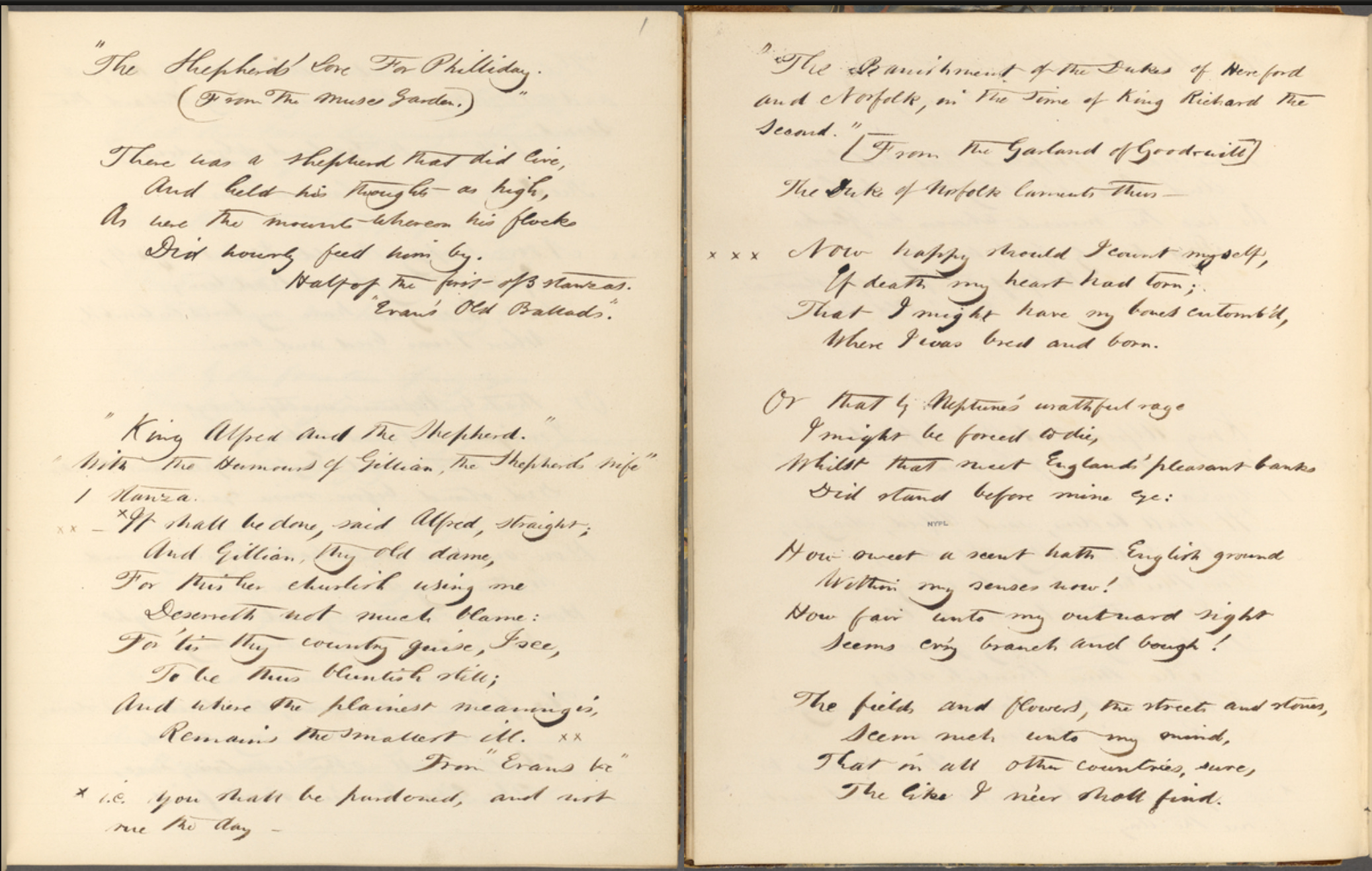
Commonplace books have been kept since antiquity. They are personal notebooks used to compile any information the owner finds interesting or useful, and can variously contain notes, proverbs, aphorisms, maxims, recipes, quotes, letters, poems, and professional references.
Entries are most often organized under systematic subject headings and differ functionally from journals or diaries, which are chronological and introspective.
My Commonplace Book Journey
To me, there is something irreplaceable about the feel and texture of paper. I keep a daily journal to record and commemorate my life, and also have a physical planner to organize my work and life. So of course, I was drawn to the commonplace book practice, and had to try it for myself.
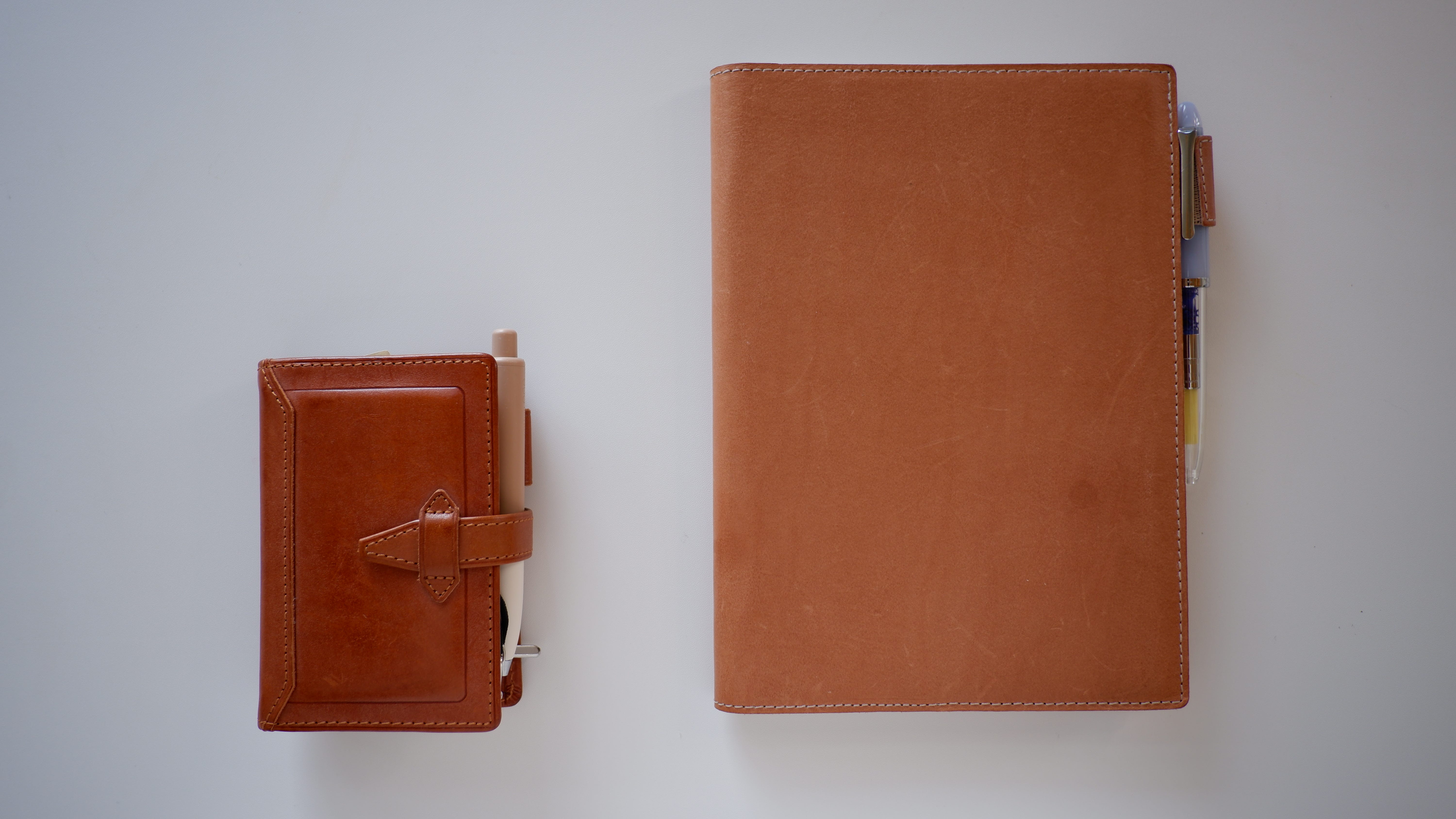
I started with a thick notebook, as most people do, without realizing I wouldn’t actually have my commonplace book with me all the time. Most days, I only carry my mini 5 ring binder/wallet, so quite often I had to jot things down or type them into my phone first, then transfer everything into my commonplace book in the evening before bed. Things were going okay; I didn’t mind the extra step too much, as I journal a little bit daily anyway.
Next, I realized that even with my entries categorized, I still wanted to rearrange things frequently. So I switched to a ring binder system and taped my entries with washi tape so I could reposition them without much hassle. Problem solved. Not pretty, but it worked!
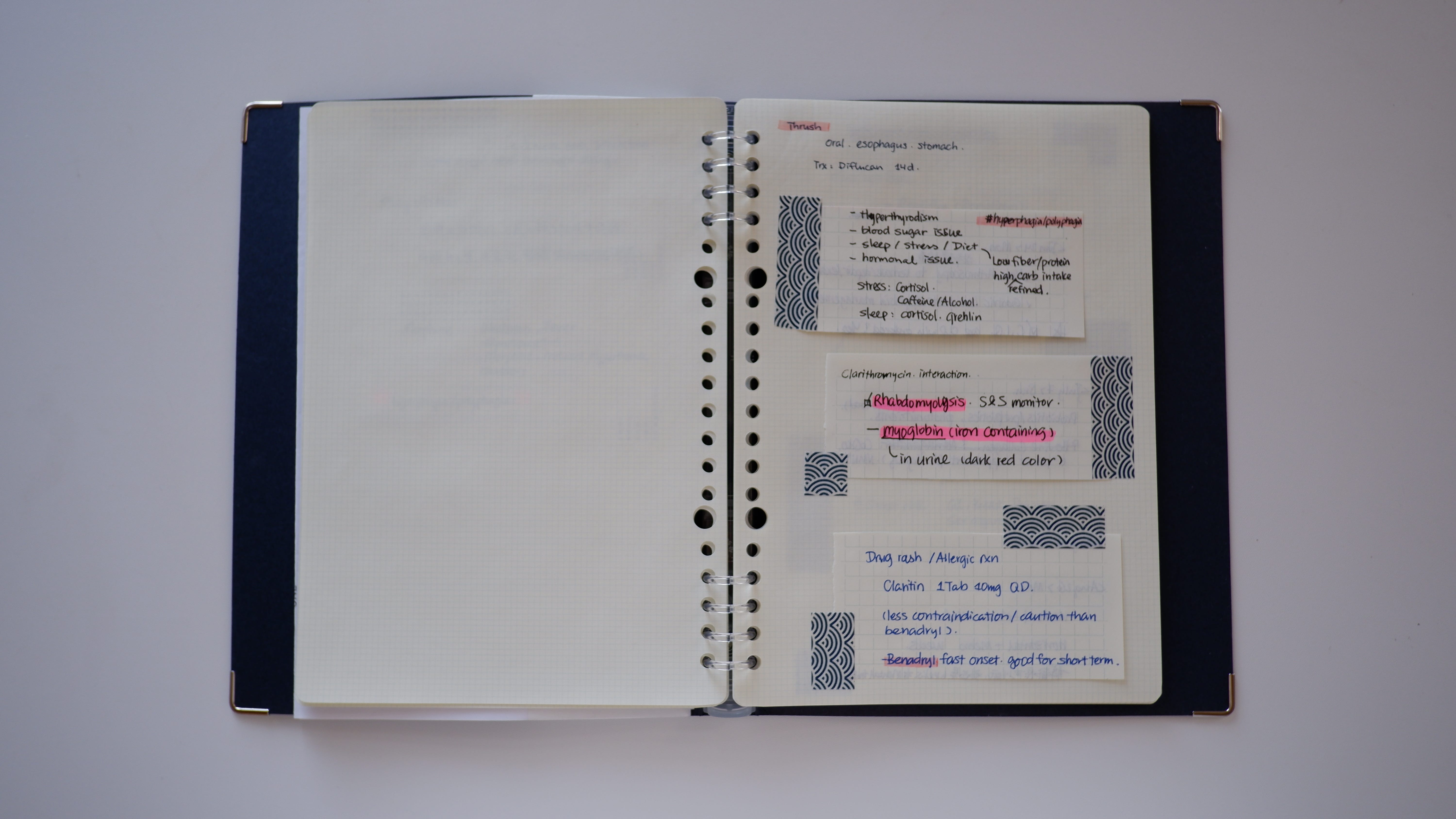
The paper system had been working great, until I hit one wall I couldn’t get around — searchability. No matter how modularized my paper system was, I had to admit it: when I wanted to find a specific entry, it still took quite a bit of flipping. It worked well for professional references since everything is easy to sort and locate. Sadly, when it came to quotes, I found that more often than not, I only vaguely remembered part of a phrase or a few words inside a quote, not the author, the source, the genre or the colorful index tag that had been assigned to it. Without a doubt, I had quite a lot of painful moments where the ONE quote I was looking for was just nowhere to be found.
I had to try something new to solve this pain and keep my commonplace book dream alive. After racking my brain and trying to tweak my binder system with no luck, I turned to a hybrid solution and started using the Quotes app to bridge my analog and digital worlds (yes, this was how I became a Quotes user in the first place). For professional references, I still keep them inside my physical commonplace book, since they’re easily sorted and I only need that kind of information on specific occasions. For reading quotes and notes, proverbs, aphorisms, maxims, poems, lyrics, and lines from movies, I keep them in the Quotes app.
The workflow is simple: I use the OCR scanner, dictation function on my phone, or plain old copy-and-paste. If I have any additional thoughts and related notes, I can add them right then too, alongside the Quotes entry. Conveniently — or perhaps inevitably — I carry my phone with me almost all the time, saving me the extra transfer I used to do with my thick physical notebook. Categorizing and tagging are very easy and flexible with the app, which makes reorganizing a breeze. Most importantly, the search feature completely solves the pain of retrieval. As a bonus — I can simply type in a phrase or a word, and Quotes will find me that ONE quote along with other potentially related quotes and notes that contain the same subject. This is such a refreshing and powerful experience that I never get tired of.
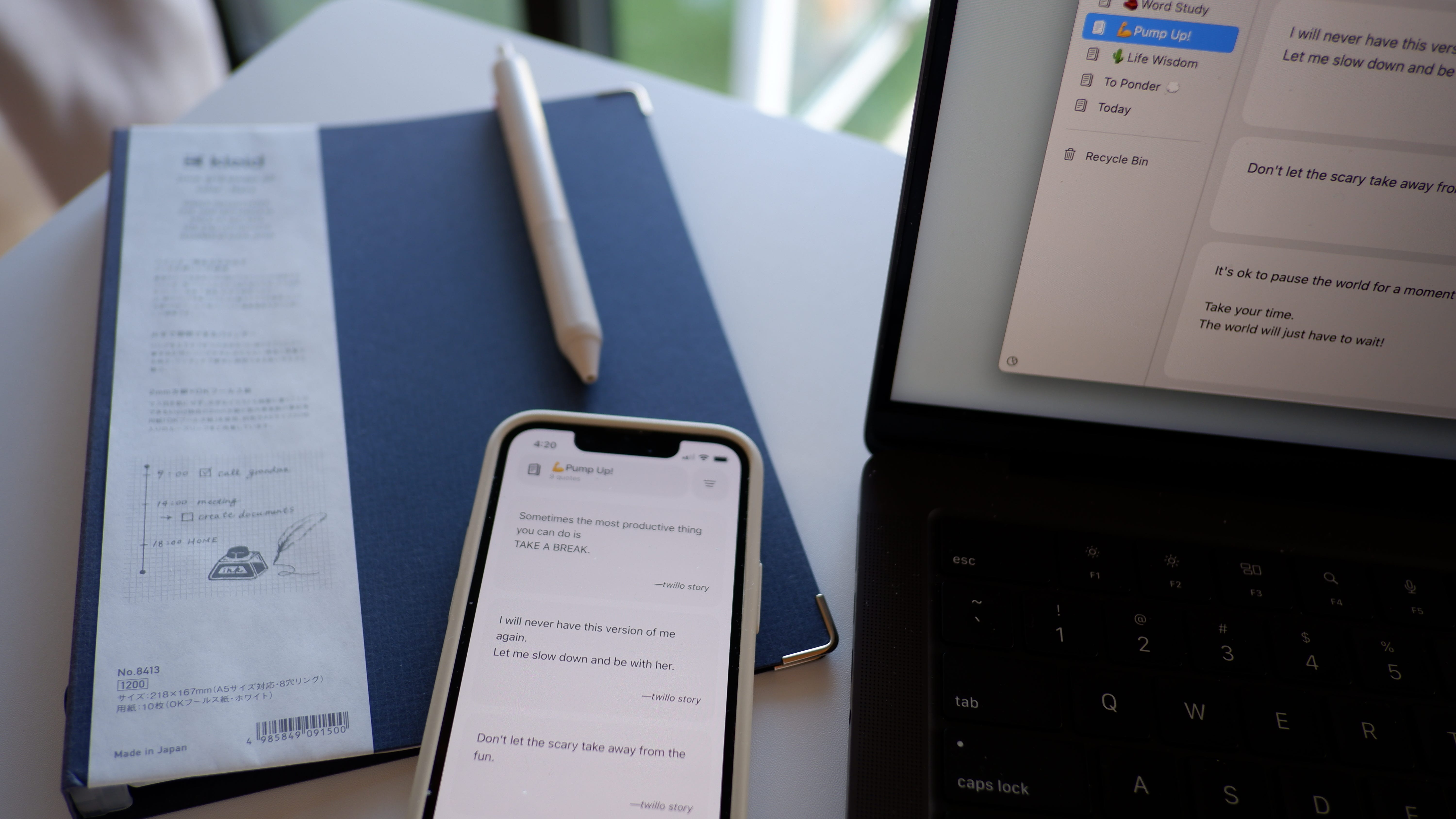
That’s my (slightly long-winded) commonplace book journey up to this point. For now, I think I’ve found my peace with this current hybrid commonplace book system. I hope this kind of sharing can be helpful to some of you. If you’ve found a contented way to have a purely physical commonplace book system, I’m truly happy for you and would love to know how you made it work! And if you’re like me, someone who tried and struggled, that’s okay too! Keep exploring new options; I’m sure we’ll all find our own better ways to enjoy our commonplace book practice and build a library of our own.
How do YOU use Quotes? We are eager to hear from our users and learn more about your creative ways of enjoying Quotes! Please share your workflows, your hacks, and your creative rituals with fellow Quotes Lovers. We are all ears here at letter@blurrr.studio, and would love to feature your story in a future issue!
Till next time — happy quoting,
Suze